
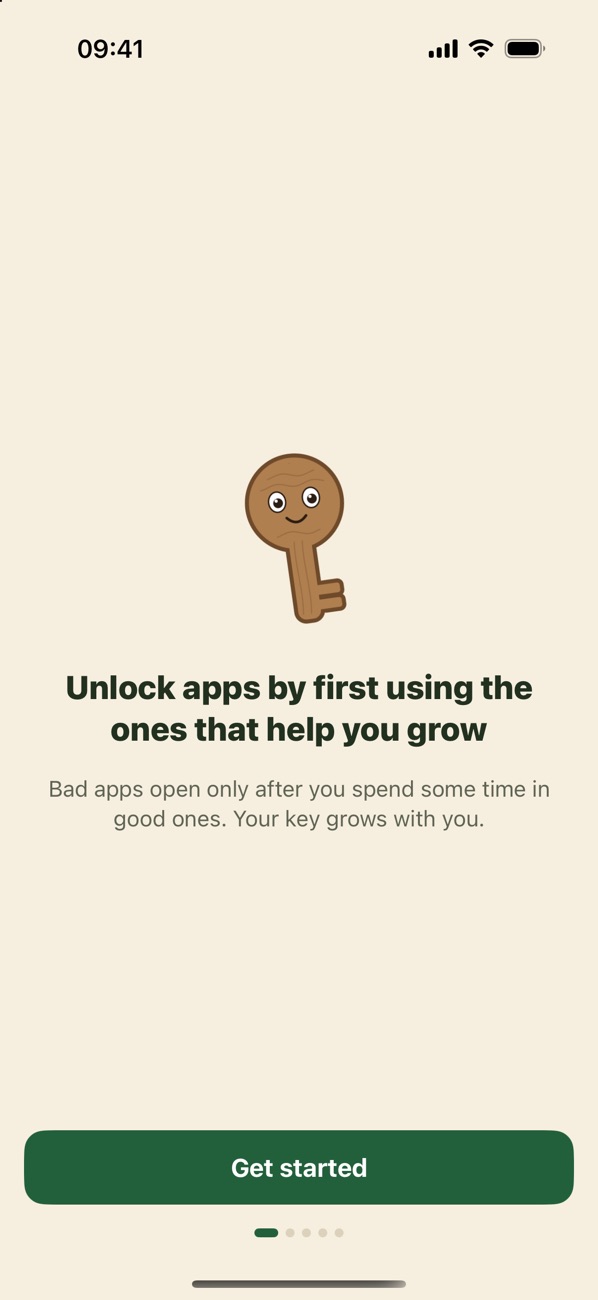
Unlock your apps by using the ones that help you grow first
Bad apps open only after you spend some time in good ones. Your key grows with you.
How it works
- 1

Pick bad apps
For example TikTok, Instagram or a whole category of games. KeyHabit blocks them.
- 2

Pick good apps and a time
For example 10 minutes in Duolingo, Kindle or Strava.
- 3

Unlock
Once you spend that time in good apps, the bad ones open on their own. No excuses.
See the app
A quick start 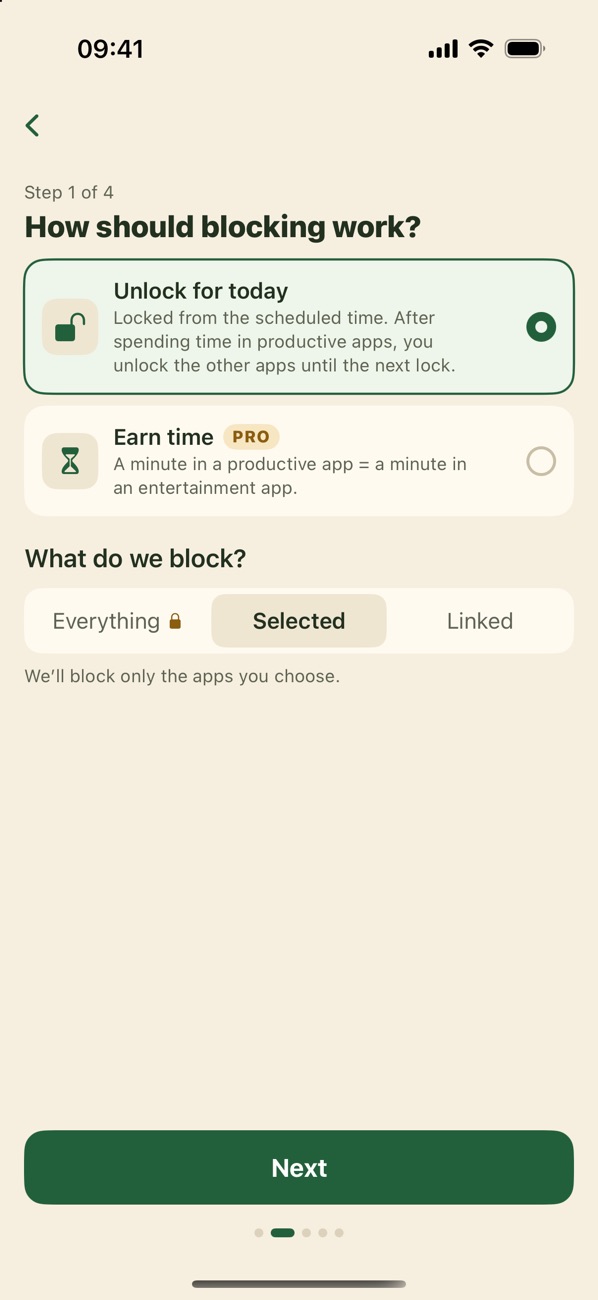
Choose how blocking works 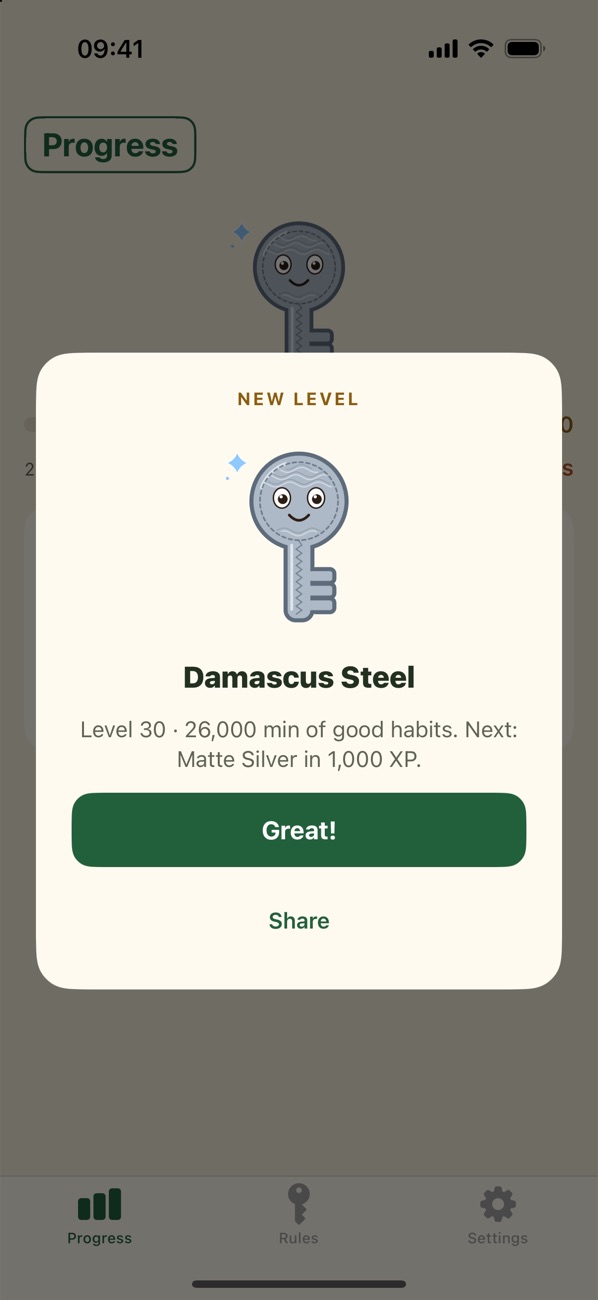
Your key levels up with you 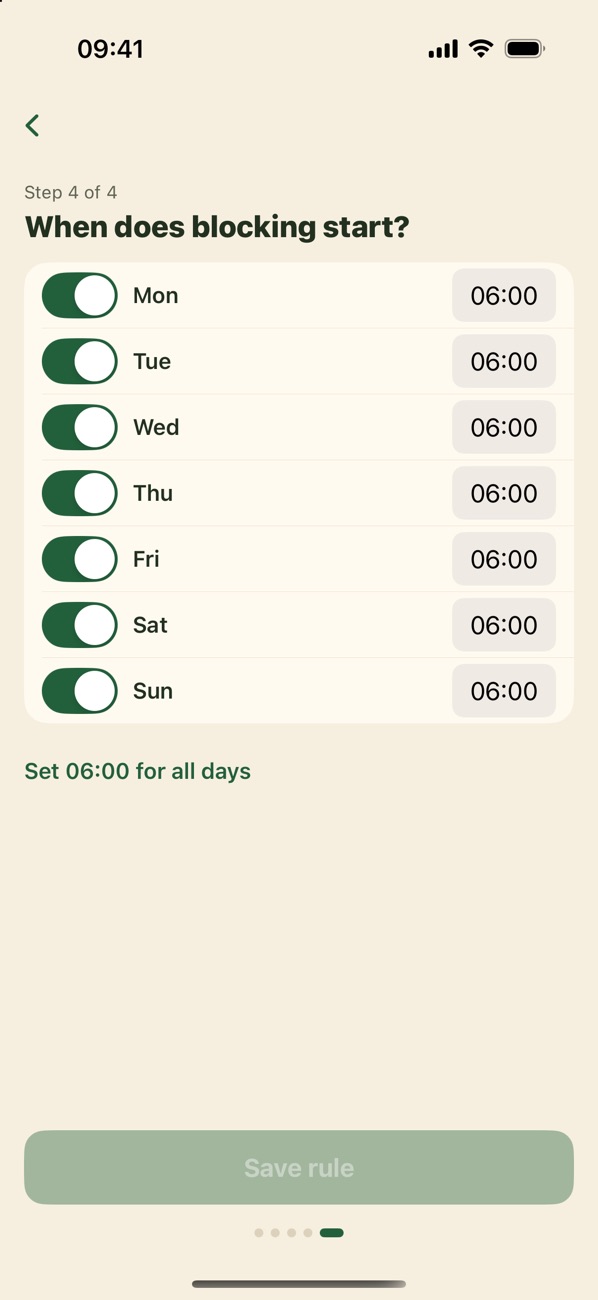
Set when the lock starts
Two modes
From the time in your schedule, bad apps are blocked. Reach your goal in good apps and you’re free until the next lock.
A minute in a productive app is a minute in an entertaining one. Bad apps work as long as you have a balance.
A key that grows with you
Every minute of good habits is XP. The key goes through 50 levels: from a crooked stick, through copper and steel, all the way to gold.
 Lv 1
 Lv 5
 Lv 10
 Lv 20
 Lv 30
 Lv 40
 Lv 50
Everything stays on your phone
No account and no server. KeyHabit doesn’t collect or send any data about which apps you use. iOS itself measures the time.
Free or with Pro
Free
- 1 active rule
- “Unlock for today” mode
- Up to 3 bad apps per rule
- Rule changes at once or after 10 minutes
- Key up to level 10
- Activity map and totals for the current month, 7-day chart
KeyHabit PRO
- As many rules as you like
- “Earn time” mode
- “Everything” scope and any number of bad apps
- A different lock time for each day
- Strict mode: changes wait up to 24 hours
- All 50 looks of the key
- Activity map, totals and ranking for the quarter and year
Monthly, yearly (7 days free) or a one-time lifetime purchase. See current prices in the App Store.